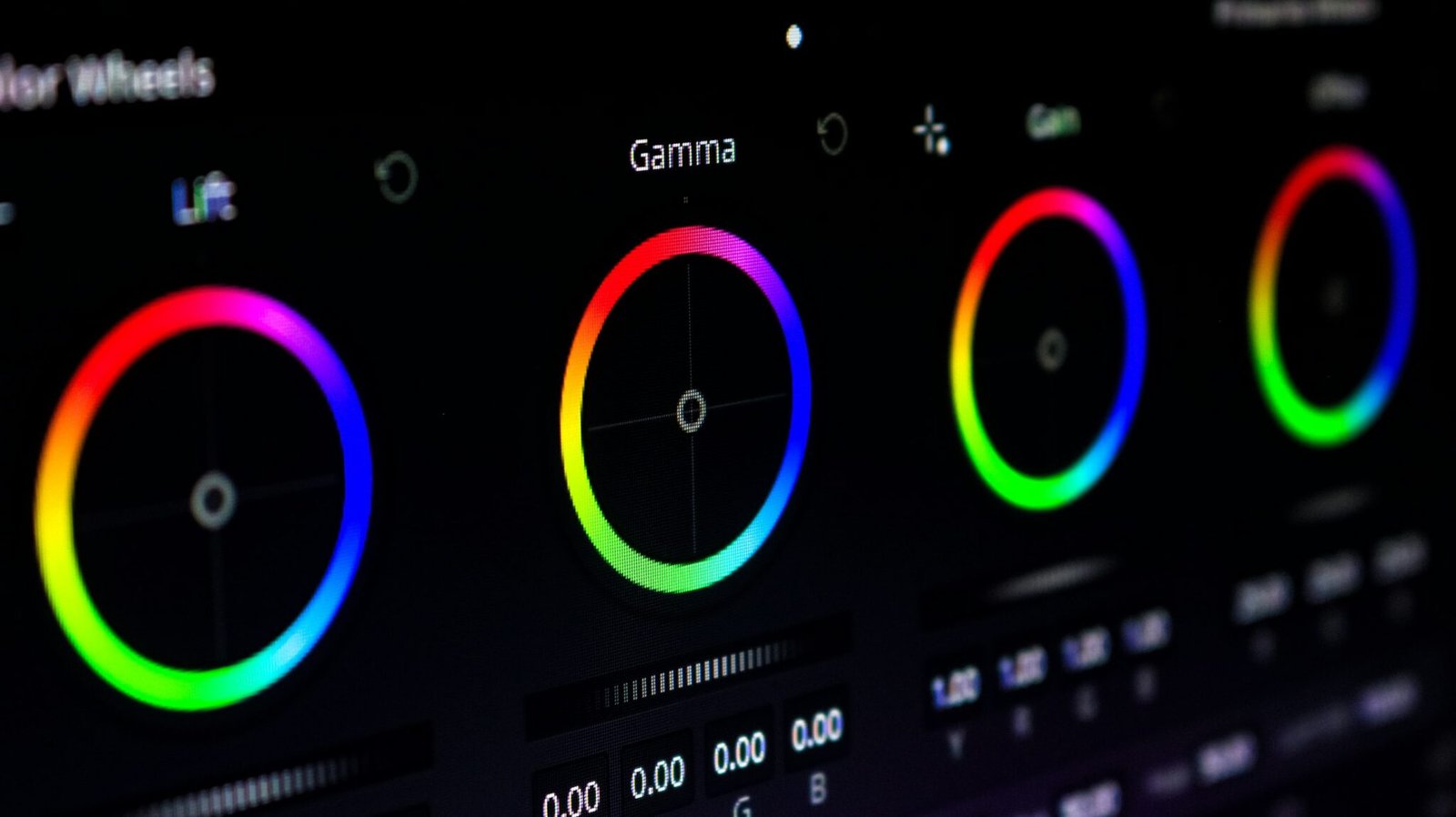
Wedding video color grading
Every film we edit is graded in DaVinci Resolve. Cameras are matched, skin tones are protected, and your look is applied the same way from one wedding to the next.
- Included with every edit
- DaVinci Resolve
- Log & LUT workflows
- Up to 5 cameras matched
Is color grading included in your wedding video editing?
Yes. Every highlight film, full film, teaser, ceremony edit, speech edit and reel we deliver is color-graded in DaVinci Resolve at no extra cost. We match your cameras to each other, correct exposure and white balance, and apply the look described in your brief or built into your LUTs.
We don’t sell grading as a separate standalone package. It’s part of every edit, because a wedding film isn’t finished until it’s graded.
Why wedding footage is hard to grade
Commercial and narrative shoots control their light. Weddings don’t. In a single day your footage might move through:
- Window light in a bridal suite, then harsh midday sun for the first look
- Mixed white balance in churches, with daylight through windows and tungsten inside
- Golden hour portraits that run warmer by the minute
- Reception halls with colored uplighting, DJ lights and very little exposure
- Three or more camera bodies, each with its own color science and picture profile
The grader’s job is to make all of that look like one film, without making it look flat.
Our grading workflow
1. Normalize
Log footage is converted using your LUTs or a color-managed workflow in Resolve. Exposure and white balance are corrected shot by shot.
2. Match cameras
Every camera, including the drone, is matched to a hero camera. Skin tones and whites are the reference points. When you cut from Camera A to Camera C, the colors shouldn’t jump.
3. Protect skin tones
Skin is graded first and isolated where needed, so natural tones hold up under mixed light. Wedding films fail fastest on skin: orange faces under tungsten, gray faces in shade.
4. Apply your look
Warm and filmic, clean and bright, or moody and contrasty. The look comes from your brief, your LUTs and your reference films, not from our taste.
5. Fix problem shots
Underexposed reception footage, blown skies and green-tinted LED lighting are corrected as far as the footage allows. We tell you when a shot can’t be fully saved.
6. Check consistency
The lead reviewer watches the whole film for color jumps between scenes and cameras before you see it.
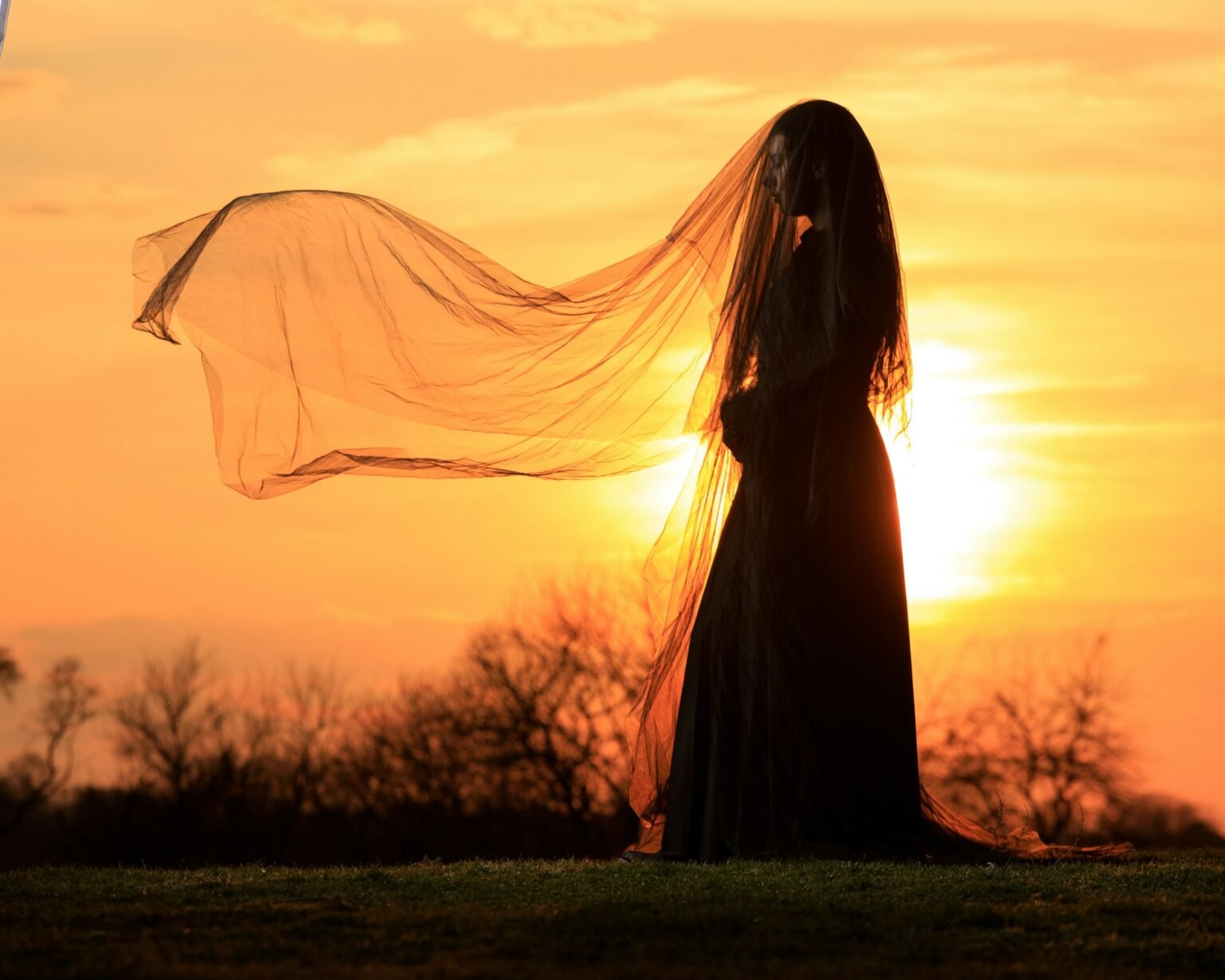
Can you match my existing color grade or LUT?
Yes. Send your LUTs, a couple of stills from graded films you’re happy with, and your reference films. We grade new weddings to that look and record it on your style sheet so it stays consistent from wedding to wedding. Your revision rounds are there to fine-tune anything that’s off.
What to send: – Your conversion LUT(s) and creative LUT(s) – Camera models and picture profiles used (for example S-Log3, C-Log, V-Log) – 3–5 graded stills or a reference film with timestamps – Any notes: “skin warmer than this,” “never crush the blacks,” “keep greens muted”
Grading for luxury and destination weddings
High-end and destination work lives or dies on consistent color across difficult light: beach sun, candlelit dinners, venues with colored uplighting. Tell us about the conditions in your brief, and we’ll prioritize the moments that matter most to your couple.
Common color problems we fix
| Problem | What we do |
|---|---|
| Cameras don’t match | Match every camera to a hero camera, using skin and whites as references |
| Orange skin under tungsten | Balance white point; isolate and correct skin |
| Green cast from LED lighting | Targeted hue correction in affected shots |
| Underexposed reception | Lift exposure carefully, manage noise |
| Blown sky at the first look | Recover what highlights allow; grade around the rest |
| Drone looks like a different film | Match the drone to the ground cameras |
See it in action
Graded examples are in our portfolio. Order grading as part of a highlight film, a full film or any package on the pricing page.
Frequently asked questions
Can you match my editing style?
Yes, that’s the core of the job. Send a short style brief and two or three of your own films, with notes on pacing, music, color and must-include moments. Your editor builds a style sheet from them, and every edit is checked against it in our two-stage review before you see it.
Which editing software do you use, and can I get the project file?
We edit in Adobe Premiere Pro, After Effects for titles and motion graphics, DaVinci Resolve for color grading, and Final Cut Pro. Along with the rendered film, we deliver an organized project timeline in your choice of Premiere Pro, DaVinci Resolve or Final Cut Pro.
How many cameras can you handle?
Up to 5 camera angles per project, drone included, plus separate audio recorders. Multicam sync is part of every edit.
How do revisions work?
You review drafts in Frame.io and leave time-stamped comments. Teasers, speech, ceremony and social reels include 2 revision rounds. Highlight films, full films and the trial include 3. In the Complete Suite and Studio Plan, each film keeps its own revisions. Extra rounds are $49 each.
See your footage graded to your look.
Your first highlight film is $199 instead of $349: 4–6 minutes, 14 business days, 3 revisions, and covered by our 7-day money-back guarantee.