How outsourced wedding editing works
From the first upload to the day your footage is deleted, here’s exactly what happens to a wedding you send us, and what you need to do at each step.
How does outsourced wedding video editing work?
You choose a package, share your footage and style brief through Google Drive or Dropbox, and we edit it to your style. Every edit passes a two-stage internal review. Then you review the draft in Frame.io, request revisions, and download the final film and project file, unbranded and ready to send to your couple.
The eight steps
1. Place your order
Choose a package on the pricing page or request a quote. First-time clients can start with the $199 trial highlight film. If you need an NDA, ask now. It’s free and signed before your first project.
2. Share your footage and brief
Send a Google Drive or Dropbox link with up to 500GB of footage from up to 5 cameras, drone included. Include separate audio files, your LUTs, any music you’ve licensed, and your style brief with two or three reference films.
3. We check the footage
We confirm every file opens and syncs, and flag anything missing or damaged straight away. Your turnaround clock starts once we have the complete footage and brief.
4. Your editor builds the film
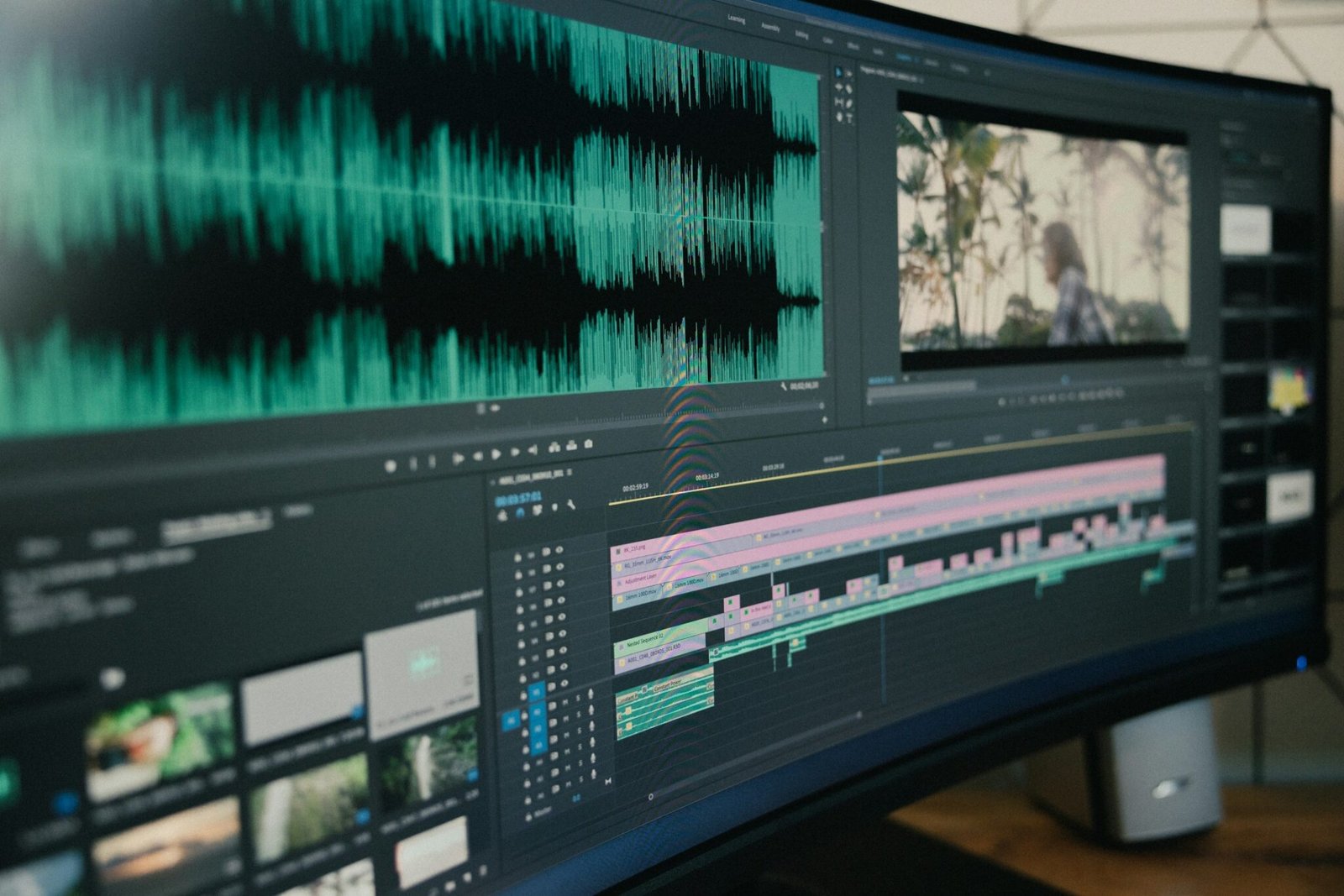
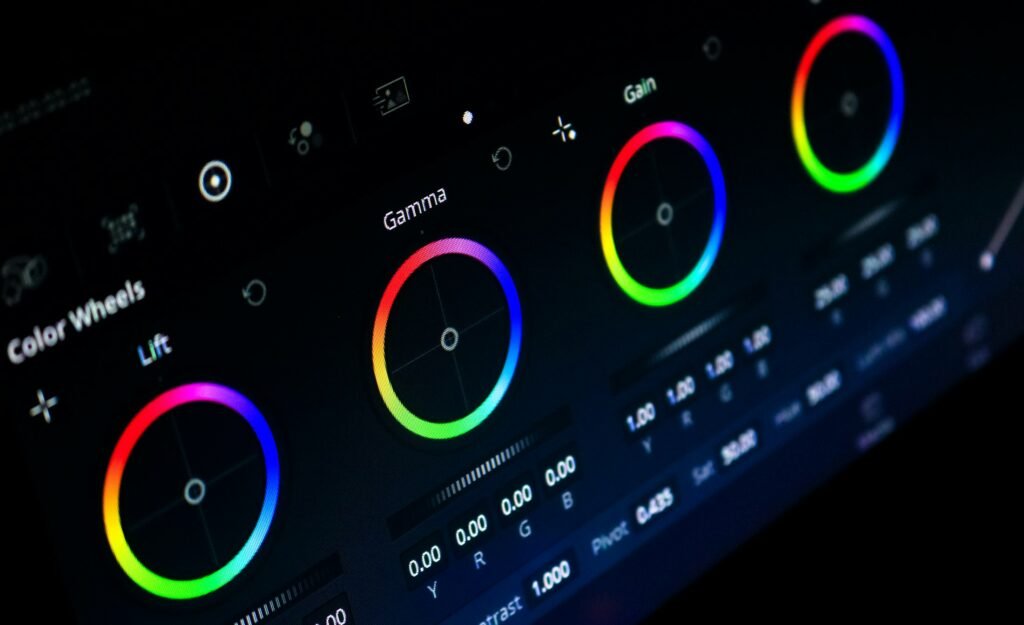
Your editor syncs every camera and audio source, listens through the vows and speeches to find the story, builds the cut to licensed music or your tracks, grades in DaVinci Resolve, builds titles in After Effects if your style uses them, and mixes the sound.
5. Two-stage quality review
The editor self-checks the film against your brief and our checklist. A lead editor then reviews the whole film. Nothing reaches you until both checks pass.
6. You review in Frame.io
Watch the draft in Frame.io and leave time-stamped comments. Each package includes 2 or 3 revision rounds. Extra rounds are $49.
7. Approve and download
Download the final render and an organized project timeline in Premiere Pro, DaVinci Resolve or Final Cut Pro. Everything is unbranded and ready for your couple.
8. Your footage is deleted
We keep raw footage for 90 days after delivery in case you need changes, then permanently delete it. Backups are purged within 30 days. Want it gone sooner? Ask, and we’ll confirm deletion within 5 business days.
What to put in your style brief
A good brief saves you revision rounds. Cover these eight things:
- Pacing and structure. Slow and cinematic, or energetic? Do you open on speech audio or music?
- Music. Genre, energy, and whether we pick a licensed track or use yours.
- Color. Warm, neutral, filmic, high-contrast? Send the LUTs you use.
- Audio priorities. Which vows, readings or speeches must be heard.
- Must-include and never-include moments. The grandmother’s dance, yes. The best man’s ex, no.
- Titles and branding. Font, placement, or none at all.
- Delivery specs. Resolution, frame rate, aspect ratios, codec.
- References. Two or three of your films, with timestamps of what you love.
Our style-brief guide has a free template.
How to organize footage before you upload
Clean folders mean faster, more accurate syncing.
Smith-Jones_2026-10-10/
├── 01_Ceremony/
│   ├── CAM-A/
│   ├── CAM-B/
│   └── AUDIO-Recorder/
├── 02_Reception/
│   ├── CAM-A/
│   ├── DRONE/
│   └── AUDIO-DJ-Feed/
├── Music_Licensed/
├── LUTs/
└── BRIEF.pdf
- One folder per camera and per audio recorder.
- Keep original file names. Don’t rename clips.
- If you shot several events (rehearsal dinner, ceremony, reception), add an event folder above the camera folders.
- Share the link with view access only, and set an expiry date if your provider allows it.
More detail in our guide: how to send wedding footage to an editor.
Turnaround by deliverable
| Deliverable | First draft | Revisions included |
|---|---|---|
| Speech edit | 5 business days | 2 |
| Ceremony edit | 5 business days | 2 |
| Teaser | 7 business days | 2 |
| Social reel | 7 business days | 2 |
| Highlight film (and $199 trial) | 14 business days | 3 |
| Full wedding film | 21 business days | 3 |
| Complete Suite | 21 business days | Per item |
| Studio Plan highlight edits | 10-day turnaround | Per item |
Rush (+$99) halves the turnaround on a teaser or highlight film.
Frequently asked questions
How do I send you footage?
Share a Google Drive or Dropbox link. We accept up to 500GB per project and up to 5 cameras, drone included. Include your audio files, any LUTs, licensed music if you’re supplying it, and your style brief.
How many cameras can you handle?
Up to 5 camera angles per project, drone included, plus separate audio recorders. Multicam sync is part of every edit.
How long does editing take?
Turnaround is counted in business days from when we have your complete footage and brief: speech and ceremony edits 5, teasers and social reels 7, highlight films 14, full wedding films and the Complete Suite 21. Studio Plan edits have a 10-day turnaround. Rush (+$99) halves teaser and highlight turnaround.
How do revisions work?
You review drafts in Frame.io and leave time-stamped comments. Teasers, speech, ceremony and social reels include 2 revision rounds. Highlight films, full films and the trial include 3. In the Complete Suite and Studio Plan, each film keeps its own revisions. Extra rounds are $49 each.
Which editing software do you use, and can I get the project file?
We edit in Adobe Premiere Pro, After Effects for titles and motion graphics, DaVinci Resolve for color grading, and Final Cut Pro. Along with the rendered film, we deliver an organized project timeline in your choice of Premiere Pro, DaVinci Resolve or Final Cut Pro.
Ready to send your first wedding?
Your first highlight film is $199 instead of $349: 4–6 minutes, 14 business days, 3 revisions, and covered by our 7-day money-back guarantee.